Your git log already knows your team's coding conventions. Here is how to read them.
Five commands, one minute, and the unwritten rules your reviewers enforce come out as numbers.
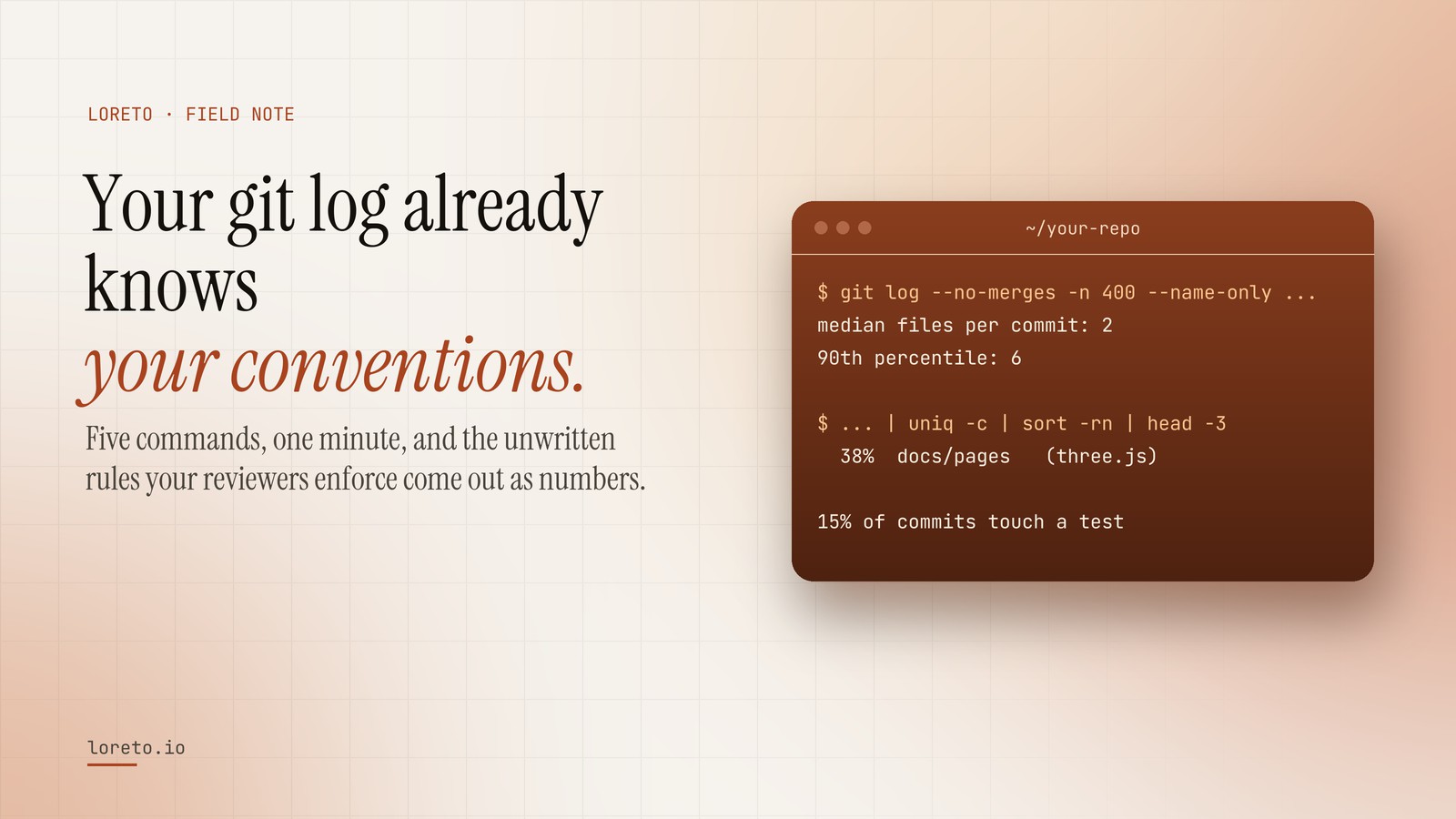
The git history records what a team actually does, commit after commit: how many files a change touches, where work lands, how often tests move with code, how messages are written. Five short git commands read those conventions out as numbers, and a rule written with its number attached is one a coding agent will actually follow.
Ask a senior engineer how big a pull request should be on their team and you will get a confident answer. Ask them to prove it and they will shrug. The rule is real, everybody follows it, and nobody ever wrote it down.
That is the normal state of a codebase. The conventions that decide whether a change sails through review or comes back with eleven comments live in people's heads, in review threads that scroll away, and in the habits of whoever has been there longest. A new hire absorbs them over six months. A coding agent never absorbs them at all, because every session starts from zero.
But there is one place where every one of those unwritten rules is recorded, with dates and numbers, whether anyone meant to record it or not: the git history.
Why the history is a better source than the wiki
A style guide says what someone hoped the team would do. The history says what the team actually did, four hundred times in a row. When the two disagree, the history wins, because it is the version reviewers enforce. If the contributing guide says "keep pull requests small" and the median commit touches eleven files, eleven files is the convention.
It is also the only source that cannot go stale. A wiki page decays the day after it is written. The log updates itself every time somebody merges.
Five conventions you can read off the log in a minute
Every command below runs in any repository, reads only the last 400 commits that are not merges, and changes nothing.
1. How big a change is here
git log --no-merges -n 400 --format='> %h' --name-only \
  | awk '/^> /{if(c)print n; c=1; n=0; next} NF{n++} END{if(c)print n}' \
  | sort -n | awk '{a[NR]=$1} END{print "median:", a[int((NR+1)/2)], " 90th percentile:", a[int(NR*0.9)]}'
This prints how many files a typical commit touches. On the public three.js repository, half of the last 400 commits touch two files or fewer, and one in ten touches six or more. That is a team that ships in small, focused steps, and an agent that opens a fourteen-file pull request there is breaking a rule it was never told.
2. Where the work actually lands
git log --no-merges -n 400 --format= --name-only | grep . \
  | awk -F/ '{print (NF>1 ? $1"/"$2 : "(root)")}' | sort | uniq -c | sort -rn | head
The directories at the top are where changes happen. In three.js, 38% of recent file changes land in the documentation pages, which says more about how that project is maintained than any architecture diagram. Your agent should know which parts of the tree are busy and which have not been touched in a year.
3. How often tests move with code
git log --no-merges -n 400 --format='> %h' --name-only \
  | awk '/^> /{c++; next} /(^|\/)(tests?|__tests__|spec)\/|[._-](test|spec)\./{if(!s[c]++)t++} \
         END{printf "%d of %d commits touch a test\n", t, c}'
This is the number teams are most surprised by. Plenty of repositories with a firm "every change has a test" policy come back at 15 or 20 percent. That is not a judgement. It is information: it tells you which kinds of change the team actually tests, and an agent that adds tests where the team never does is creating review noise, not quality.
4. How a commit message is written
git log --no-merges -n 400 --format=%s | awk '{n++; L+=length($0)} \
  /^(feat|fix|chore|docs|refactor|test|perf)(\(.+\))?!?: /{cc++} \
  END{printf "%d%% conventional commits, %d characters on average\n", 100*cc/n, L/n}'
Conventional Commits or plain sentences, capitalised or not, a ticket number or none. Small things, and exactly the small things a reviewer notices first.
5. Who carries the codebase
git shortlog -sn --no-merges -400 HEAD | headNot to rank anyone. To know where the knowledge lives. If one person wrote most of the last 400 commits, the unwritten rules are mostly theirs, and they are the person to ask when the history is ambiguous.
From numbers to rules your agent will follow
A number on its own is trivia. It becomes a convention when you write it as an instruction with the evidence attached:
Keep a change to two or three files. Half of the last 400 commits touched two or fewer; a larger change is the exception here and should say why in its description.
Agents follow rules like this far more reliably than "keep pull requests small", for the same reason people do: a rule with its reason attached is harder to rationalise away. Put the short version in your root file (CLAUDE.md or AGENTS.md) and the full set, with the numbers, in a skill the agent loads when it is about to change code.
Run it on your own repository
The five commands above take a minute and will tell you something about your codebase you did not know you knew. If you would rather see all of it at once, with the files that change together and the lessons from past reverts added, paste your repository into Loreto. Reading it is free, and you see exactly what your agent would be told before you decide whether to install it.
Frequently asked questions
Why not just write a style guide?
How many commits should I read?
Does this work on a private repository?
Read your repository's conventions, free
Paste a repository and see the rules your history enforces, with the number behind each one, in about ten seconds.