What reverts teach you that code review never will
Every revert is an incident report your team already wrote. Read them as a set and they turn into rules.
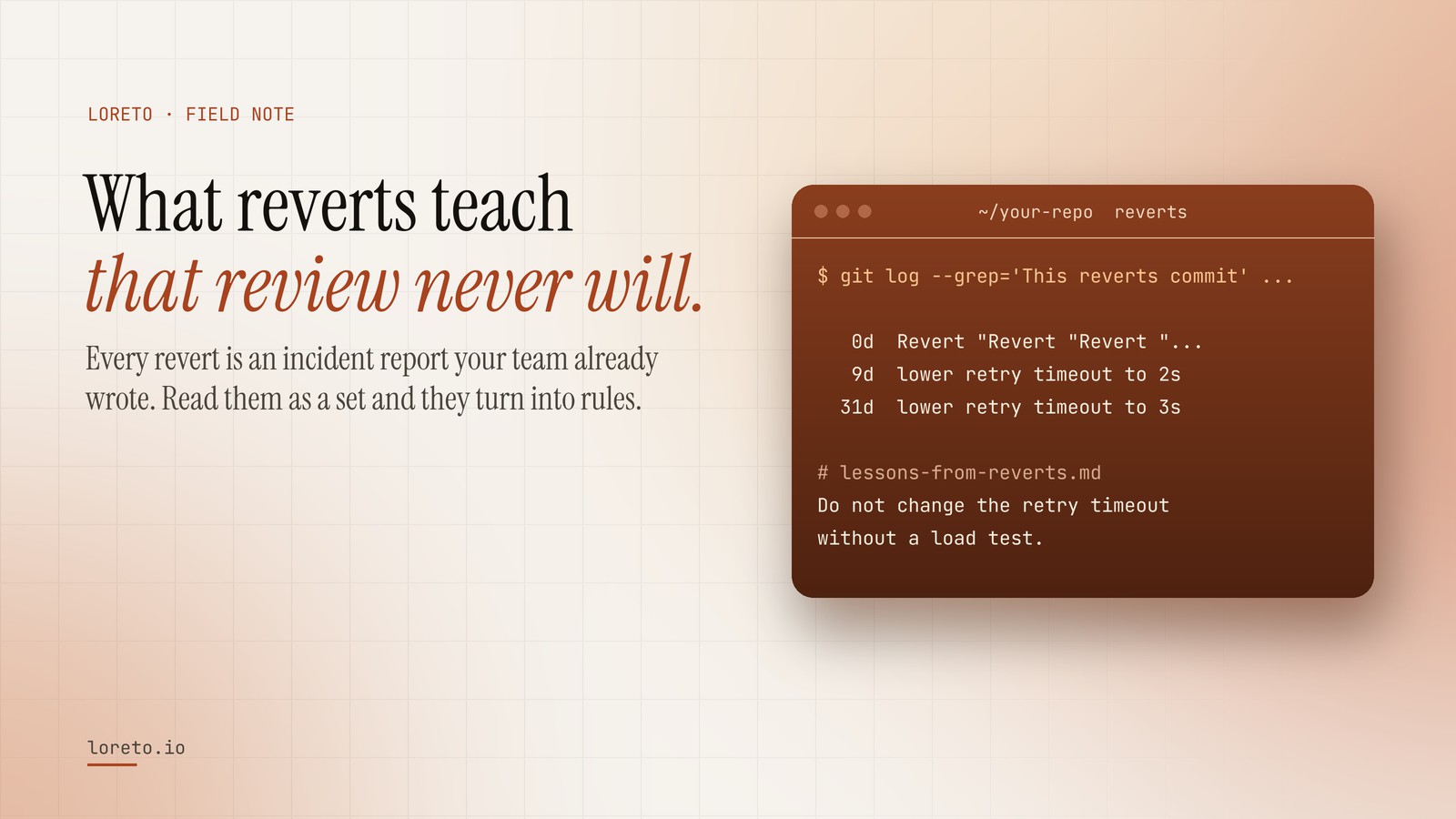
A revert records a change that got past review, reached the main branch and had to be pulled out. Pair each revert with the commit it undid to see how long the change lived: same-day reverts mark load-bearing code, slow reverts mark problems nothing in the code warns about, and revert chains mark areas nobody should touch without asking.
Code review tells you what a team objected to before a change went in. Reverts tell you something more expensive: what got past everyone, reached the main branch, did some damage, and had to be pulled back out. Every revert is a small incident report the team already wrote and then forgot about.
Most teams never read them as a set. That is a waste, because a list of reverts is the closest thing a codebase has to a record of its own scar tissue, and it is precisely the knowledge a coding agent does not have when it confidently makes the same change again.
Find every revert, and how long each change lived
git revert writes a recognisable message, "This reverts commit <sha>", which makes reverts easy to find and, better, easy to pair with the commit they undid:
git log --grep='This reverts commit' --format='%H' | while read r; do
  o=$(git log -1 --format=%B "$r" | grep -o 'reverts commit [0-9a-f]*' | head -1 | awk '{print $3}')
  [ -n "$o" ] || continue
  days=$(( ( $(git log -1 --format=%ct "$r") - $(git log -1 --format=%ct "$o") ) / 86400 ))
  printf '%4sd  %s\n' "$days" "$(git log -1 --format=%s "$o" | cut -c1-70)"
done
Each line is a change and the number of days it survived before someone took it back. Reverts made with a hand-written message instead of git revert will not show up; git log -i --grep='^revert' catches most of those.
Three kinds of revert, three different lessons
Same-day reverts: the change was wrong, and obviously so
A revert within hours usually means the change broke something immediately visible: a failing build, a broken page, an alert. The lesson is mechanical and easy to encode: "this file is load-bearing, run X before changing it" or "this config is read at boot; test a restart".
Reverts after weeks: the change was wrong in a way nobody could see
A change that lived for a month before being pulled out is a different animal. It passed review, passed tests, ran in production, and was eventually found to be wrong: a performance regression that only showed up at month-end volume, a behaviour change a customer depended on, a migration that made the next one impossible. These are the lessons worth the most, because nothing in the code warns the next person. Write them down with the date and the reason.
Revert chains: the team could not decide
Some histories contain messages like Revert "Revert "Revert "…": a change applied, pulled, reapplied, pulled again. That is rarely a technical problem. It is an unresolved disagreement, or a change that works in one environment and not another. The lesson for an agent is simple and important: do not touch this area without asking. A model that blindly reapplies the fourth version of a contested change will lose the argument for you.
Write the lesson, not the incident
A revert list on its own is a history lesson. What an agent needs is the rule it implies, with the evidence attached, in the second person. Here is the shape, with an invented example:
Do not change the retry timeout in the payment adapter without load-testing it. It was lowered twice and reverted both times, after 9 and 31 days, because month-end volume exceeded it.
Three things make a lesson like that work:
- The specific place. A file or a setting, not "be careful with payments".
- The evidence. How many times, how long it lived. A rule with a number behind it does not get rationalised away.
- The action. What to do instead: test this, ask that person, change this other file too.
Five of these, kept in a reference file the agent's skill points to, will prevent more incidents than a hundred lines of general advice in the root file.
Read your own scar tissue
Run the loop above on your main branch and read the list from the top. You will probably remember most of them, and be surprised you have never told a new hire about any. If you want the reverts paired with what they undid, sorted by how long the change lived, and written into a lessons-from-reverts.md your agent reads before it changes code, paste your repository into Loreto. Seeing what your history holds is free.
Frequently asked questions
What if my team does not use git revert?
Isn't a long-lived revert just bad luck?
Should an agent avoid reverted code entirely?
Read your repository's scar tissue
Paste a repository and see its reverts, how long each change lived, and the lesson your agent would be given.